This article shares actionable best-practice to make managing a remote team easier and more effective. With expert insights and practical tips, it helps teams operate securely, boost efficiency, and save on unnecessary costs. Explore these strategies down below!
The Most Important Factor Determining Success In Scaling Teams.
Before we dive into the 18 actionable ideas, we'd be overlooking the biggest one if we didn't mention what makes them all work: visibility.
Visibility is the key to scaling successfully. It brings structure to your team's operations by offering clear insights into daily workflows and output, something we've written about in more depth when exploring how companies misjudge offshore productivity. With full transparency, there's no need for guesswork, and you'll know exactly what your outsourced team is delivering. This added clarity assists you in making informed adjustments, whether that's small tweaks or significant changes, to truly optimise your offshore setup.
Every list deserves a plug, but our product earns this number one spot because it outperforms all 18 hacks combined, and it's worth your time to see why.
Happening Intelligence was designed to address the very challenges highlighted in this list: security concerns, productivity issues, and unnecessary costs. Setting up a remote team with a secure, insight-driven approach can lead to significant benefits, such as improved visibility, stronger security, and better budget control. These strategies align with the key insights shared in the article.
Happening Intelligence's Visibility Dashboard
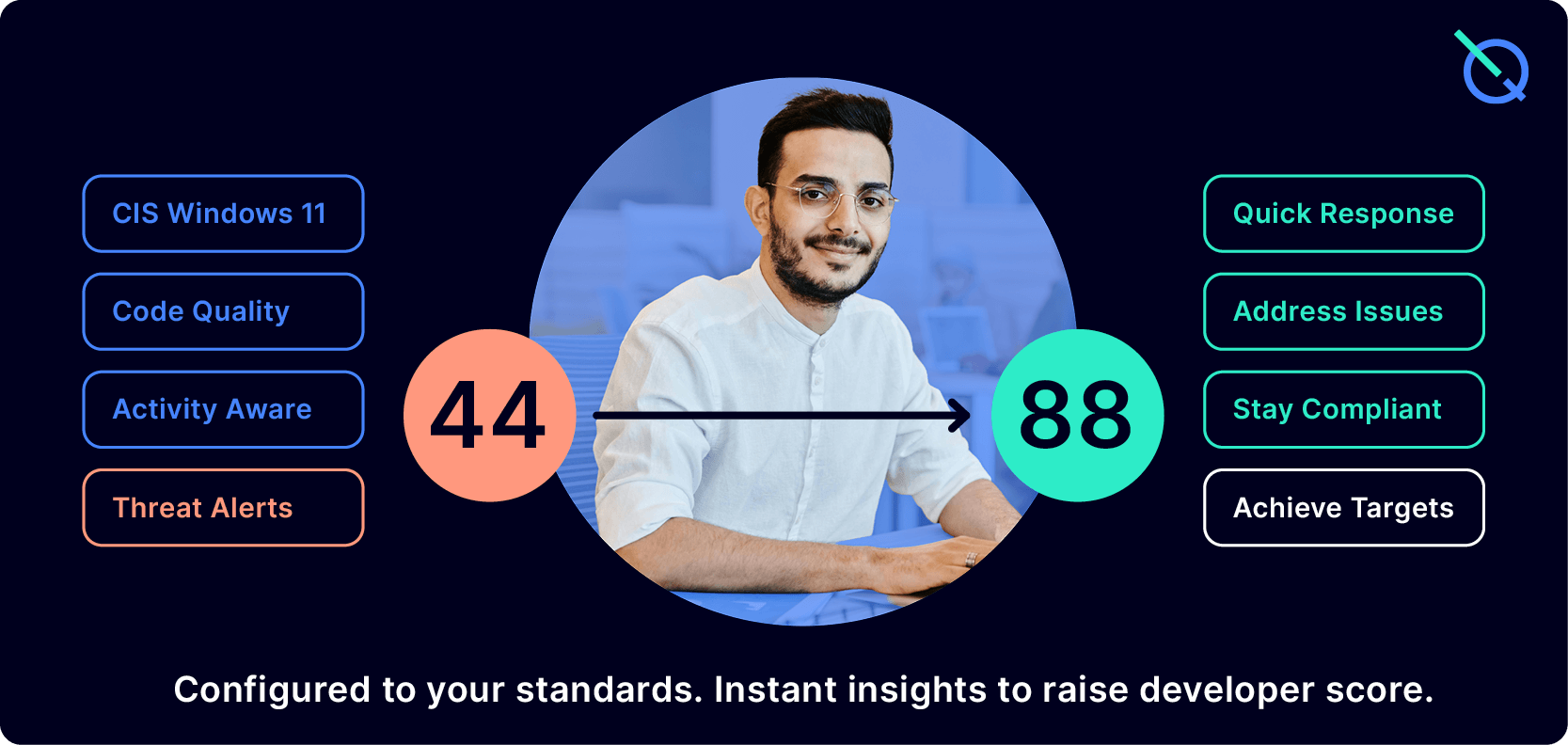
The most powerful way to keep remote teams secure is to stop guessing about compliance and see exactly where you stand. Happening Intelligence comes with proactive threat detection and daily security scans, benchmarking each employee's workstation against international standards like CIS Windows 11 and ISO 27001. Managers receive a clear compliance score, plus alerts on misconfigurations or potential risks before they escalate. This turns what is usually a reactive, time-consuming task into a simple realtime snapshot, saving thousands in certification costs and giving leaders peace of mind that their remote teams are operating securely.
Time and Cost-Saving
Switching to Virtual Desktop Setups
Every new hire means having to order a laptop, load it with the right software, ship it, and handle setup calls and support before they can even start work. Virtual desktops on the other hand, save money and eliminate the hassle. They greatly improve security by keeping company data within a managed environment instead of being stored on personal or distributed devices. A high-performance managed workspace takes this even further, Happening Intelligence needs no upfront commitment, scales instantly, and includes free support. Giving teams a secure, ready-to-work environment without the delays or device logistics.
Fast-Track Your Onboarding Process
Slow onboarding delays productivity and leaves new hires feeling stuck. Teams can speed up the process by preparing ready-to-use workstations and accounts before day one, while also pairing new hires with an existing remote employee to help them settle in quickly and start contributing sooner. For example, Buffer uses a structured "virtual buddy system" to guide new hires, a process you can adapt for your own team. Happening Intelligence speeds this up with pre-packaged onboarding materials you can assign immediately, or you can upload your own training modules to give every new hire a consistent, fast start.
Audit Vendor Performance Regularly
It's easy to assume a vendor is pulling their weight, but the only way to know is to measure it. Pick one key metric that reflects why you brought them on board, like how fast they deliver, the quality of their code, or how responsive their support is. Decide upfront what "good" looks like, and when it falls short enough to warrant a change. A good rule of thumb is to check in quarterly with your most critical vendors, and every six or twelve months with lower-risk ones. This keeps you ahead of problems and makes sure your partners stay accountable.
Assess Your Digital Tools Budget
You'll be surprised by the digital tools that once seemed useful yet end up underused or redundant. To keep costs low, start by listing every subscription you're paying for and check which ones the team actually uses. For tools you do need, review pricing packages to see if a cheaper plan is a better fit. Downgrading? Cut back on duplicates or low-use tools, and repeat this review each quarter to ensure your budget only covers platforms delivering value.
Stay Alert to Catch Productivity Drains Early
Productivity problems rarely appear out of nowhere. They often begin with subtle signs: unclear goals, meetings that drag on too long, or team members spending hours in tools without making real progress. Sometimes, packed schedules and long days mask the early signs of burnout. Catching these signals early and addressing them with clearer priorities, simpler workflows, or quick check-ins can stop small issues from snowballing into missed deadlines and expensive setbacks. This becomes substantially easier with Happening Intelligence's private, behaviour-based monitoring, which proactively highlights early productivity drains so managers can intervene before they escalate.
Team Performance
Empower Remote Teams by Valuing Cultural Differences
Taking time to learn your offshore team's work culture, holidays, and time zones builds trust and harmony. Proactively encouraging your team to treat holidays as genuine time for rest, supported with simple practices like setting auto-responses or updating their status, helps make time off a normal rhythm of work rather than an exception. For practical ways to plan and manage holidays across distributed teams, check out this guide on How to Handle Holidays for Your Remote Team.
Set Objectives and Key Results (OKRs) to Guide Your Team
Traditional KPls often track activity, but they don't always show whether teams are moving the business forward. OKRs (Objectives and Key Results) provide a clearer framework: they set ambitious goals and pair them with measurable results, so teams focus on outcomes rather than outputs. For remote teams, this approach creates alignment, clarity, and motivation without the need for constant oversight. For a deeper dive, read Measure What Matters by John Doerr, the go-to guide for implementing OKRs.
Standardise How Your Team Works
Consistency reduces errors and keeps distributed teams aligned. Leading tech companies do this by documenting and sharing clear team goals, standardising collaboration tools so everyone works from the same systems, and using unified virtual desktop environments to ensure each employee follows the same policies and procedures. Through standardising, each team member has the same clarity and support, an approach Atlassian has studied extensively in building high-performing distributed teams.
Workload Balancing
In Human Resources, workload balancing is the practice of distributing tasks based on staff capacity to prevent burnout or idleness. We can also apply this to outsourced teams. Consider who already has a full workload or who might be able to pick up some more tasks, ensuring steady delivery, healthier teams, and more predictable results. Happening Intelligence applies pattern recognition to this problem, automatically detecting workload anomalies or sudden changes so leaders can rebalance work before performance dips.
Embedding Recognition Into Team Culture
Recognition shouldn't get lost just because your team is distributed. For example, Southwest Airlines has a program called SWAG Points, where employees earn points for great work that they can redeem for rewards. It shows how even a simple system of peer and manager recognition can keep motivation high and ensure achievements don't slip under the radar.
Building Structured Feedback Loops
Unstructured feedback often comes too late. A simple rhythm of weekly check-ins, monthly reviews, and quarterly growth conversations helps teams stay aligned and resolves issues before they escalate. A simple way to put this into action right now is with Notion's 'meetings' templates, which keep brainstorming notes, planning sessions, and team updates all in one organised place, making communication smoother, easy to track and highly accessible.
Monitor Your Outsourced Team's Code
Don't just count how often code gets updated, focus on whether those updates are high quality. Using structured code reviews with checklists or templates keeps reviews consistent and prevents issues from slipping through. Many teams apply scorecards to measure how effective reviews are, whether they're catching problems or helping work move faster. Together, these practices make code oversight far more reliable. Code contribution insights can also be surfaced without giving a platform access to your source code; Happening Intelligence does this natively, giving managers a clear view of output and code quality with no extra tools or necessity to share your data with third-party apps.
Security
Align to Formal Security Standards
Managing distributed teams is challenging. When you consider sensitive client data, increasing utilisation of Al systems, and that risk multiplies. International standards including SOC 2, ISO 27001, and ISO 42001 act as a common language across your organisation and offshore partners, ensuring that every engineer operates with the same safeguards. Adopting these frameworks also help you clear procurement barriers with enterprise clients and investors who demand proof of rigour, and future-proof your reputation by showing regulators and boards they can be confident in how you build and manage your product. Happening Intelligence significantly streamlines these requirements by automatically generating reports on workspace security posture, giving teams reliable, audit-ready visibility and saving teams hours every month.
Create a BYOD Policy That Protects Company Data
Personal devices are often part of remote work, but without guardrails they can expose sensitive company data. A strong Bring Your Own Device (BYOD) policy should require secure access through managed environments where work stays contained, even if the device itself isn't. Add in basics like mandatory passwords, encryption, and restrictions on unapproved apps, and you give staff flexibility while keeping company information safe.
Encrypting Company Data and Sensitive Information
Encryption ensures that even if a device is lost, stolen, or compromised, company data remains protected and inaccessible to outsiders. For remote setups, enabling full-disk encryption is a simple but powerful safeguard, Windows Bitlocker, for example, is a widely used option that helps keep work data secure without disrupting productivity. Building encryption into your setup from day one adds an essential layer of defense and peace of mind.
Use Simulated Attacks to Build Awareness
It's hard to know how vulnerable a team will be to phishing scams without testing it and seeing what happens. Implementing phishing simulations can help your remote team identify what's legitimate and what isn't, protecting both your company's data and their own credentials from being compromised.
Protect Company Data by Following a Structured Offboarding Process
When a staff member exits, delays in cutting access can put sensitive company data at risk. It's a smart move to set a precise cutoff time and block sign-ins immediately, so no new sessions can start once notice is given. Just as important, make sure ownership of work is transferred, shared work assets, tickets, automation jobs, and even calendars should be reassigned or forwarded to keep projects moving without disruption. A clear, repeatable process keeps your company data safe and your operations steady. Offboarding is particularly challenging when your worker possesses a laptop with all your data on it. Instantly pausing or wiping a workspace dramatically reduces offboarding risk, and Happening Intelligence enables this without relying on the employee’s physical device.
Run Regular Software Approval Audits
Unapproved apps and plugins pose serious security threats, creating vulnerabilities that can be easily exploited. Implement systems for auditing the software your teams use, helping to ensure that only trusted and approved tools are utilised. We highly recommend this comprehensive article by IBM on the rapid rise of Shadow IT. It sheds light on how prevalent unauthorised application use is within remote teams and the severe security risks it poses when visibility and alerts are lacking. Happening Intelligence minimises this risk by providing controlled workspaces with built-in tools, reducing reliance on third-party apps and keeping sensitive data inside the secure environment.
Conclusion: Start Remote Right, Scale With Confidence
A strong remote team doesn't come from talent alone. It comes from the systems you put in place on day one, the visibility to know what's happening, the security to protect what matters, and the structure to keep everything aligned as you grow. The 18 practices we've shared here are practical steps you can start applying immediately. Adopting even one of these practices will strengthen your foundation considerably. We recommend booking in a meeting with your team to go over this list and begin the implementation of the ones that will move you closest to your current goals.